Glap Power Point Template: A Comprehensive Overview
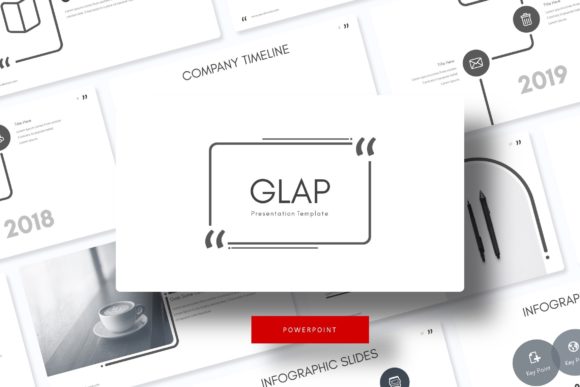
The Glap Power Point Template is a professionally designed presentation toolkit that offers a wide range of customizable slides to suit various business and academic needs. With 150 total slides, it provides a robust foundation for creating visually appealing and structured presentations. This template is ideal for professionals, educators, and students who want to enhance their visual storytelling without spending excessive time on design.
Key Features of the Glap Power Point Template
The Glap Power Point Template stands out due to its extensive features, making it a versatile choice for users. Here are some of the key aspects:
- Five Premade Colors: The template comes with five distinct color schemes, allowing users to choose a style that best matches their brand or presentation theme.
- 30 Slides per Template: Each color variation includes 30 slides, ensuring that there is enough content to cover most presentation needs without repetition.
- Handcrafted Infographic in PowerPoint: The inclusion of professionally designed infographics makes it easier to present complex data in an engaging manner.
- Section Break Slides: These slides help in organizing content into logical sections, improving the flow and structure of the presentation.
- Gallery and Portfolio Slides: Ideal for showcasing projects, products, or creative work, these slides provide a clean and professional layout.
- Resizable and Editable Graphic Picture Placeholder: Users can easily replace placeholder images with their own, making the template adaptable to different needs.
- Drag-and-Drop Based on Master Slides: The intuitive design allows for easy customization without requiring advanced design skills.
- Pixel-Perfect Illustrations: High-quality illustrations ensure that the presentation looks polished and professional.
What’s Included in the Glap Power Point Template?
The Glap Power Point Template package includes several essential elements to support a seamless presentation creation process:
- Five PPTX Files: Each file corresponds to a different color scheme, providing flexibility in choosing the right look for your presentation.
- Five PPTX Widescreen Versions: These files are optimized for widescreen displays, ensuring that your slides look great on modern projectors and screens.
- Readme File: A detailed guide is included to help users navigate the template and understand its features.
- Free Font Download Link: The primary font used in the template is available for free, allowing users to maintain consistency in their design.
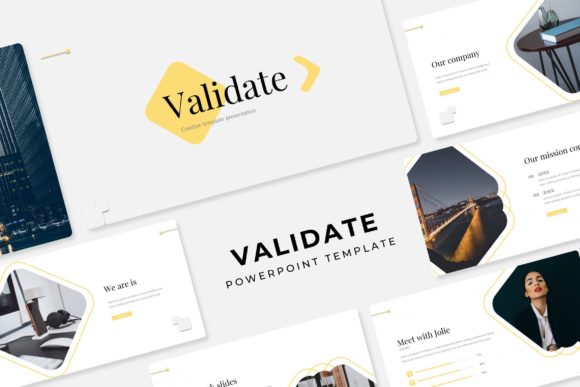
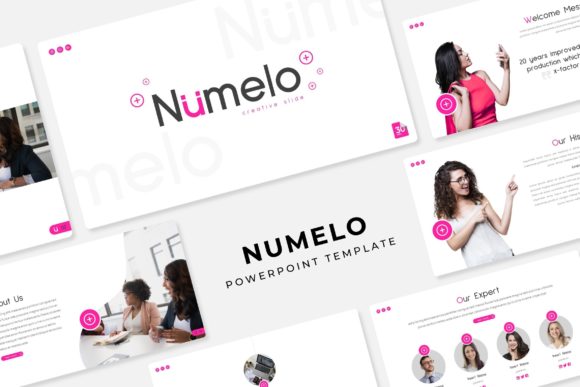
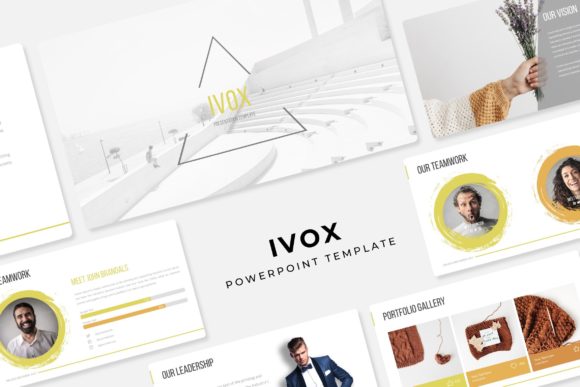
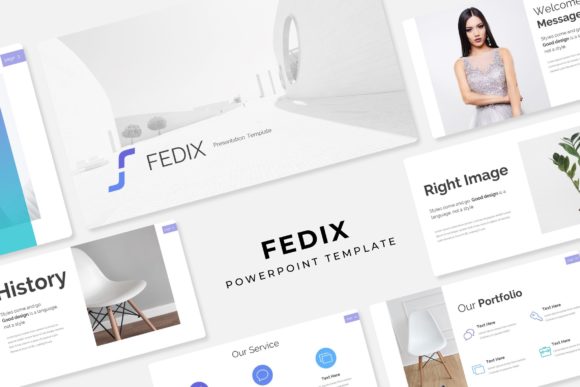
It is important to note that while the template includes high-quality visuals, the photographs or pictures used in the preview are for illustration purposes only and are not included in the download.
When to Choose the Glap Power Point Template
The Glap Power Point Template is particularly beneficial in scenarios where a user needs a ready-to-use, professional-looking presentation. It is well-suited for:
- Business Presentations: Professionals looking to impress clients or stakeholders with a polished and organized pitch can benefit from this template.
- Academic Presentations: Students and educators can use the template to create visually engaging slides for lectures, research presentations, or class projects.
- Marketing and Sales: The gallery and portfolio slides make it ideal for showcasing products, services, or case studies in a compelling way.
- Workshops and Seminars: The section break slides help in structuring content effectively, making it suitable for long-form presentations.
Considerations and Tradeoffs
While the Glap Power Point Template offers numerous advantages, there are some considerations to keep in mind:
- Customization Limitations: Although the template is editable, users may find that certain design elements are fixed, which could limit creative freedom.
- Learning Curve: For those unfamiliar with PowerPoint, navigating the master slides and customizing the template may require some time and effort.
- Dependency on Pre-Made Elements: The reliance on pre-designed slides may not be ideal for users who prefer a completely unique or highly customized look.
Additionally, since the template does not include actual photographs, users will need to source their own images or use placeholders for visual content.
Alternatives to Consider
There are several alternatives to the Glap Power Point Template that may better suit specific needs. For instance:
- Other Presentation Templates: Many other templates offer similar features but may have different design styles or more advanced customization options.
- Custom Design Services: For users who require a completely unique presentation, hiring a designer or using a design platform like Canva might be a better option.
- Open Source Tools: Free tools such as Google Slides or LibreOffice Impress can also be used to create professional-looking presentations without the need for paid templates.
Each alternative has its own set of benefits and drawbacks, so it's important to evaluate which one aligns best with your goals and resources.
Decision-Making Insights
When deciding whether the Glap Power Point Template is right for you, consider the following factors:
- Time Constraints: If you need a quick solution for a presentation, the Glap template can save time by providing a ready-made structure.
- Design Needs: Assess whether the pre-designed elements meet your aesthetic preferences or if you require more customization.
- Budget: While the template is cost-effective, compare it with other options to ensure it fits within your budget.
- Technical Skills: Evaluate your familiarity with PowerPoint to determine if you can effectively use the template’s features.
By weighing these factors, you can make an informed decision about whether the Glap Power Point Template is the best fit for your specific situation.